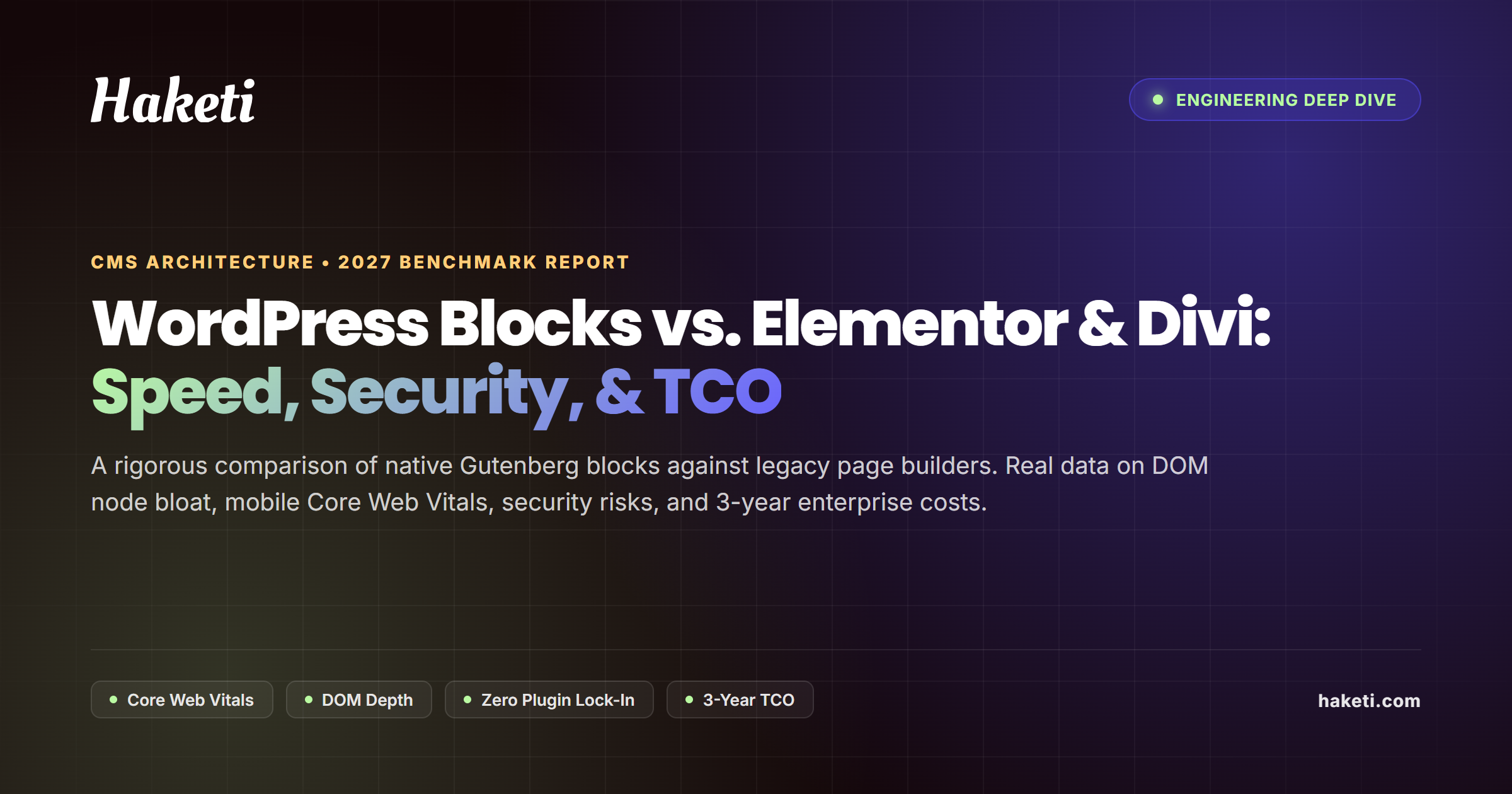
When evaluating WordPress blocks vs Elementor and Divi, teams must look past drag-and-drop convenience. True website performance comes down to code quality, mobile speed, security, and long-term operating costs.
Visual page builders helped millions of businesses launch sites between 2016 and 2022. Tools like Elementor and Divi let non-technical teams build layouts without writing code. Site owners could adjust margins, drop in widgets, and launch pages quickly.
Today, that visual convenience creates serious bottlenecks. Search engines evaluate websites on real mobile speed, not desktop appearance. Google Core Web Vitals rewards lean code and fast response times. When evaluating WordPress blocks vs Elementor and Divi, commercial teams must examine the real engineering and cost differences.
WordPress core now includes a powerful native Block Editor. Gutenberg uses modern React, native caching, and clean CSS variables to deliver fast pages out of the box. Is your team planning a redesign or fighting slow mobile pages? Here is the direct engineering breakdown.
Executive Summary: Key Architectural Takeaways
- DOM and Asset Weight: Native blocks cut DOM nodes by up to 80 percent. Typical pages drop from 2,500 elements on Elementor down to 600 nodes on Gutenberg, shrinking CSS from 2MB to roughly 120KB.
- Mobile Core Web Vitals: Native blocks hit mobile Largest Contentful Paint in under 1.2 seconds. Interaction to Next Paint stays under 80 milliseconds without extra speed plugins.
- Security Exposure: Removing page builder add-ons eliminates the main plugin attack surface responsible for most WordPress security advisories.
- 3-Year Total Cost: Visual builders seem cheap initially. However, native blocks cut three-year ownership costs by 40 to 60 percent. They eliminate plugin renewal fees and ongoing repair bills.
Table of Contents
- WordPress Blocks vs Elementor: DOM Trees, Asset Payloads, and Speed
- The Hidden Security Footprint and Maintenance Overhead
- Total Cost of Ownership: The 3-Year Enterprise Breakdown
- Generative Engine Optimization (GEO) and AI Search Readiness
- When Does a Page Builder Still Make Sense?
- The Migration Path: Transitioning Without Downtime
- What You Get with a Modern WordPress Block Architecture
- Frequently Asked Questions: WordPress Blocks vs. Page Builders
- Conclusion: Build for Speed, Own Your Code
1. WordPress Blocks vs Elementor: DOM Trees, Asset Payloads, and Speed
The core difference between native blocks and visual builders comes down to the code sent to your visitors’ browsers. Extra code creates real drag on mobile devices.
The Container Nesting Trap
Page builders wrap every element in nested containers to manage drag handles, spacing controls, and visual offsets:
- Typical Elementor or Divi Heading: Generates 7 to 12 nested container wrappers for a single headline and paragraph.
- Native Gutenberg Block: Renders clean HTML. An H2 tag sits right above a paragraph tag with zero extra wrappers.
Real-World Benchmark Comparison
When teams audit sites moving to clean custom WordPress development with native blocks, speed jumps immediately:
| Metric | Elementor Pro Site | Divi Builder Site | Native Gutenberg Blocks |
|---|---|---|---|
| Total DOM Elements (Home) | 2,400 to 4,200 nodes | 2,800 to 5,100 nodes | 450 to 780 nodes |
| Total CSS Asset Weight | 1.4 MB to 2.8 MB | 1.8 MB to 3.2 MB | 80 KB to 160 KB |
| External Script Requests | 18 to 32 script bundles | 22 to 38 script bundles | 2 to 5 targeted scripts |
| Mobile Largest Contentful Paint (LCP) | 3.4s to 5.2s (Needs Work) | 3.8s to 6.1s (Poor) | 0.8s to 1.4s (Green / Fast) |
| Mobile Interaction to Next Paint (INP) | 280ms to 450ms (Sluggish) | 320ms to 520ms (Poor) | 45ms to 95ms (Instant) |
Desktop computers handle large script files easily. Mobile phones on cellular networks struggle. A phone must download, parse, and run megabytes of builder scripts before showing buttons. Native blocks load styles modularly. The browser downloads only the CSS needed for that specific page.
2. The Hidden Security Footprint and Maintenance Overhead
Speed is only half the story. Security and maintenance create major risks for commercial websites.
Third-Party Attack Surface
Page builders rely on thousands of PHP functions and third-party add-ons for sliders, animations, and widgets. Annual reports from Wordfence Threat Intelligence and Patchstack show the risk:
- Plugins Cause Over 90% of WordPress Vulnerabilities: Security flaws in visual builders and widget packs frequently trigger critical code execution and script injection warnings.
- Native Blocks Add Zero Third-Party PHP Overhead: Native blocks run on WordPress core APIs. They place no extra code between WordPress and your database.
The Update Paradox
Anyone managing an Elementor or Divi site knows the update trap. WordPress Core releases an urgent security patch, but you cannot update yet. The page builder or a design add-on is not certified. Updating anyway often breaks menus or causes PHP errors. Professional website care and optimization protects uptime, while native blocks remove update conflicts entirely.
3. Total Cost of Ownership (TCO): The 3-Year Enterprise Breakdown
Teams often choose visual builders because entry prices look cheap at $59 to $199 per year. Total cost of ownership tells a different story. Real expenses include software licenses, high-tier hosting, emergency developer hours, and lost sales from slow pages.
| Expense Category | Page Builder Setup | Native Blocks Setup |
|---|---|---|
| Core Builder and Addon Licenses | $900 to $1,800 | $0 (Native Core) |
| Server and Hosting Tier (CPU Demands) | $2,160 ($60/mo) | $720 ($20/mo) |
| Speed and Optimization Addons | $360 ($120/yr) | $0 (Unnecessary) |
| Emergency Bug Fixes Post-Updates | $3,600 (24 hrs @ $150) | $450 (3 hrs @ $150) |
| Redesign and Migration Tear-Down Cost | $6,000 to $12,000 | $0 (Standard HTML) |
| Estimated 3-Year Operational Cost | $13,020 to $19,860 | $1,170 to $2,370 |
The Vendor Lock-In Reality
The largest hidden cost of legacy builders is walking away. Deactivating Elementor or Divi leaves behind broken shortcodes. Your content stays trapped in custom database tables. Teams planning a redesign can read our Louisiana website design cost guide to see how technical debt affects budgets.
Native Gutenberg blocks store standard HTML with simple comment markers. If you change themes later, your text, headings, images, and tables stay completely intact.
4. Generative Engine Optimization (GEO) and AI Search Readiness
Search is shifting toward AI tools like ChatGPT Search, Perplexity, and Google AI Overviews. Clean page structure matters more than ever. AI crawlers read raw HTML directly. When an AI crawler inspects a page builder site:
- The bot navigates dozens of bloated container divs and inline data strings.
- Key answers stay split across proprietary widget tags.
- Important facts often hide inside animation scripts.
Native WordPress blocks provide clean structural outlines. AI crawlers easily read facts, numbers, and comparison tables. This structure earns direct citations in AI Overviews and expands your search reach.
5. When Does a Page Builder Still Make Sense?
Page builders work fine in specific situations:
- Solo Founder Tests: Launching a single landing page over a weekend on a tight budget.
- Short Campaign Pages: Running a temporary promo page for a few weeks.
- Personal Hobby Sites: Projects where mobile speed, accessibility, and security do not impact revenue.
For established contractors, law firms, healthcare providers, and regional business leaders, page builders bring expensive risks. Investing in custom web design and development creates a fast, durable asset that grows with your company.
6. The Migration Path: How to Transition Painlessly
Switching from Elementor or Divi to native WordPress blocks does not cause downtime. A smooth migration follows four steps:
- Content and Asset Export: Moving copy, media, and existing URL structures into a secure staging setup.
- Design System and Patterns: Setting up brand colors, typography, cards, and buttons using Gutenberg theme styles and reusable patterns.
- Template Setup: Rebuilding global headers, footers, service archives, and single templates as native block templates.
- Zero-Downtime Launch: Pushing the staging site live, preserving all URLs, testing 301 redirects, and confirming green Core Web Vitals. You can test your site readiness with our diagnostic tools in Haketi Labs.
What You Get with a Modern WordPress Block Architecture
When companies work with Haketi to transition from visual builders to modern Gutenberg blocks, projects produce tangible business and technical results:
- Fast Core Web Vitals: Mobile Largest Contentful Paint under 1.2 seconds and Interaction to Next Paint under 80 milliseconds.
- Custom Pattern Library: Reusable Gutenberg patterns for cards, split panels, hero sections, and pricing tables.
- Faster Publishing: Marketing teams assemble new pages in minutes without writing code or breaking layouts.
- Zero Lock-In: Clean HTML stored in post content that never breaks if plugin licenses expire or themes change.
- Smaller Attack Surface: Fewer third-party plugins mean fewer security patches and lower risk of site hacks.
- Smooth Migration: Staging verification, full link protection, automated redirects, and zero production downtime.
Frequently Asked Questions: WordPress Blocks vs. Page Builders
Will switching from Elementor or Divi to Gutenberg break my existing design?
No. A migration preserves your visual identity. We recreate your exact brand colors, fonts, buttons, and card layouts using native block patterns. Visitors see the same visual design, while your site runs on fast, clean HTML.
Is the native Block Editor easy for non-technical marketing teams to use?
Yes. Most teams find Gutenberg simpler than visual builders. Editors choose pre-built block patterns instead of adjusting complex margin sliders. This keeps every page on-brand and mobile-ready without layout errors.
Can native blocks match the visual animations of Elementor Pro?
Yes, and they run faster. Modern Gutenberg blocks use native CSS scroll animations and lightweight keyframes. This creates smooth scroll reveals and card hover effects without loading heavy JavaScript libraries.
How long does a migration from a page builder to native blocks take?
For sites with 10 to 40 core pages, migration takes three to five weeks. All work takes place on a staging server, so your live site never goes down.
Conclusion: Build for Speed, Own Your Code
A commercial website is a core company asset. In 2027 and beyond, advantage belongs to sites that load instantly and stay secure without constant plugin patches. Clean code also helps search engines and AI assistants read your content accurately. If your team is ready to remove page builder technical debt, contact Haketi today to plan your new architecture.